

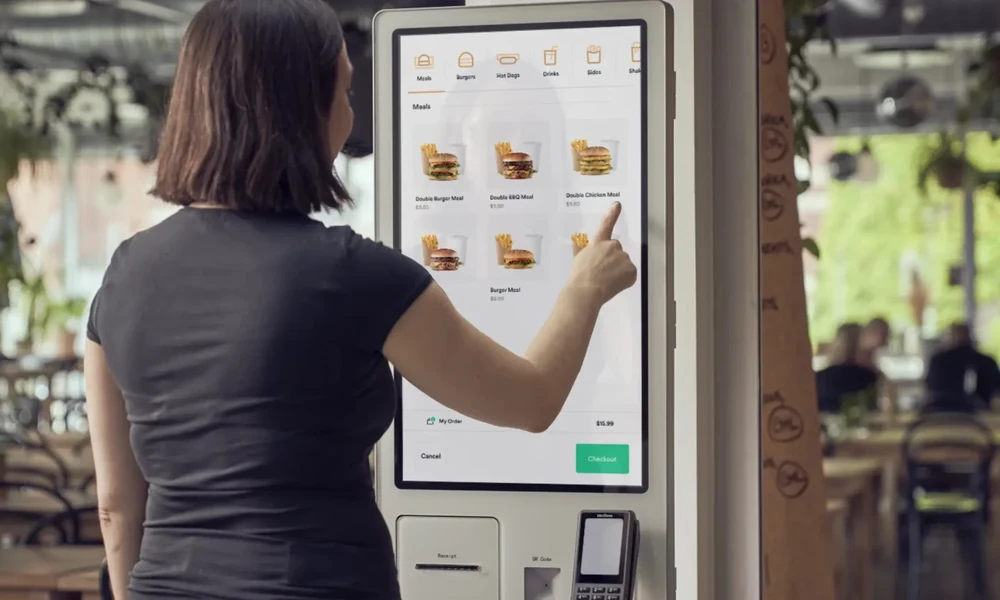
Self-service kiosks let shoppers find products, order and pay without waiting for staff. They shorten queues and free up employees, but they depend on a stable connection behind the screen.
A few years ago, most store visits followed the same path. Browse, queue, pay at the counter, leave. Today, shoppers often skip the queue entirely. They tap a screen, place an order and walk out with a receipt on their phone.
Retailers exploring this shift usually want to know what’s actually changing and what it takes to make kiosks work well. For a look at the connectivity side, you can visit website resources on managed kiosk solutions.
5 Ways Kiosks Are Changing the Store Visit
1. Shoppers Find Things Themselves
Wayfinding kiosks near the entrance show maps, aisle numbers and stock levels. Shoppers no longer need to hunt for staff.
Behind the scenes: the kiosk needs live stock data, which means a reliable connection to store systems.
Watch out for: outdated stock information, which frustrates shoppers fast.
2. Ordering Moves to the Screen
Ordering kiosks are common in quick-service food and click-and-collect counters. Customers build their own orders, which cuts down on mistakes.
Behind the scenes: orders must reach the kitchen or stockroom instantly.
Watch out for: dropped connections during lunch rushes.
3. Payment Takes Seconds
Card taps and phone payments at kiosks reduce queue times at the main tills.
Behind the scenes: payments need a secure, separate connection, often with a backup link.
Watch out for: failed transactions, the fastest way to lose a sale.
4. Staff Shift to Higher-Value Work
With fewer tills to run, employees can help shoppers, restock shelves or manage pickups.
Behind the scenes: staff need simple ways to spot and report kiosk problems.
Watch out for: stores that remove too many staff, leaving shoppers without help.
5. Every Interaction Becomes Useful Data
Kiosks record what shoppers search for, order and abandon. This helps with stock planning and layout decisions.
Before and After: How the Journey Compares
| Journey Step | Traditional Store | Kiosk-Led Store |
|---|---|---|
| Finding products | Ask staff or search aisles | Check a screen near the entrance |
| Ordering | Wait at a counter | Order directly on a kiosk |
| Paying | Queue at a staffed till | Tap and go at the kiosk |
| Staff role | Mostly behind tills | Helping shoppers on the floor |
| Store insights | Limited | Detailed interaction data |
Making the Shift Work
Kiosks only improve the journey when they stay online. Many retailers give kiosks their own connection, add backup links for payment stations and use remote monitoring to catch problems early. To see how these pieces fit together, visit website pages covering remote monitoring and reboot tools.
Screen design matters too. Clear buttons, large text and simple steps help shoppers of all ages.
Frequently Asked Questions
- Do kiosks replace staff? Usually not. They shift staff to other tasks.
- Which kiosk task needs the most reliable connection? Payment.
- Do older shoppers use kiosks? Many do, especially when screens are simple and staff are nearby.
- How fast should a kiosk respond? Ideally within a second or two.
Kiosks don’t transform a store overnight. The best results come from steady connections, simple screens and regular reviews of how shoppers actually use them. Small, consistent improvements make the whole visit faster.